
Integrating Computer Vision into a Recommendation Framework
Using AI-based image clustering to turn visual data into curated publications

Expansion of the Recommendation Engine
In a previous article, I introduced Internetexplorer, a creative neural engine that crawls the platform Are.na to suggest images based on taste. This piece continues the series and documents how I added clustering based on semantic and visual similarity using a locally run AI model. First, I will briefly share some implementation insights and then follow up with test results and an outlook on further development.
The goal is to get the engine to group similar images together within each publication. By clustering visually related images, each publication should appear more deliberate and coherent.
To understand the content of an image in the first place, the system needs a computer vision model capable of analyzing visual content. I chose CLIP-ViT-B/32, a modern Vision Transformer model that excels at extracting visual features from pixel matrices (i.e., digital images). The model runs efficiently and accurately on CPUs, making it well suited to my use case. In addition, this model is available an an ONNX variant with the necessary weights, which I need because the project runs on Node.js.
Image Clustering
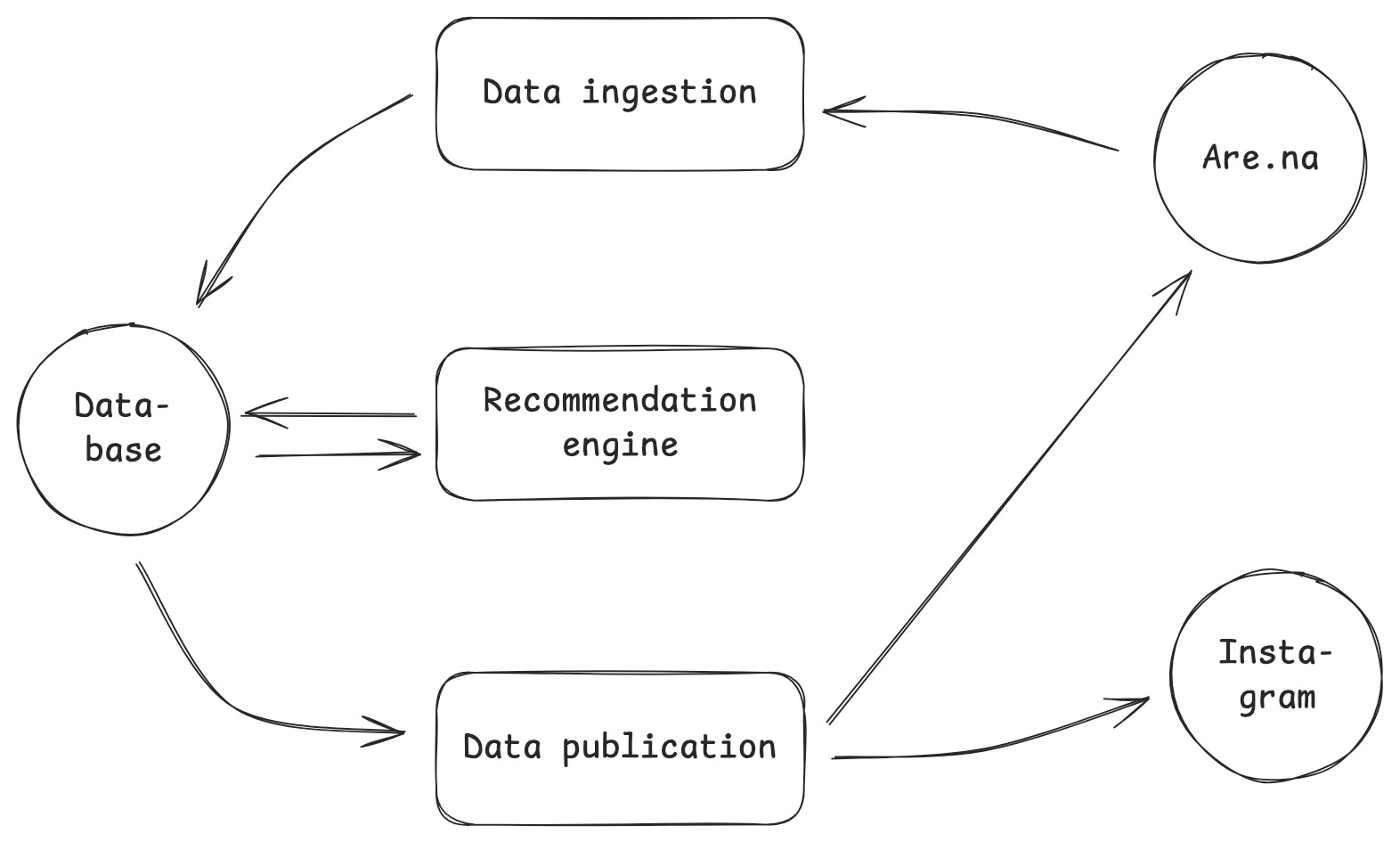
The clustering of images takes place after the recommendation engine has selected 200 images (see Building a Creative Recommendation Engine to Curate Images, chapter Algorithm). These images are primarily selected based on their connections to other channels. If an image appears in many channels that are closely related to the source channel itself, it becomes a candidate in the top 200.
The computer vision model processes each of the 200 candidates and assigns a unique vector to each one. Similar images receive similar vectors. This is similar to arranging images in a physical space, where visually related ones are positioned closer together.
Here’s an example using handwritten digits, similar shapes end up close: 7s with 9s, 0s with 8s:
After each image has been assigned a vector, the images are divided into clusters. Each cluster contains no more than ten images and groups together the most similar ones. The algorithm used for this is known as k-means, one of the most widely used clustering algorithms for this type of problem.
Tests and Results
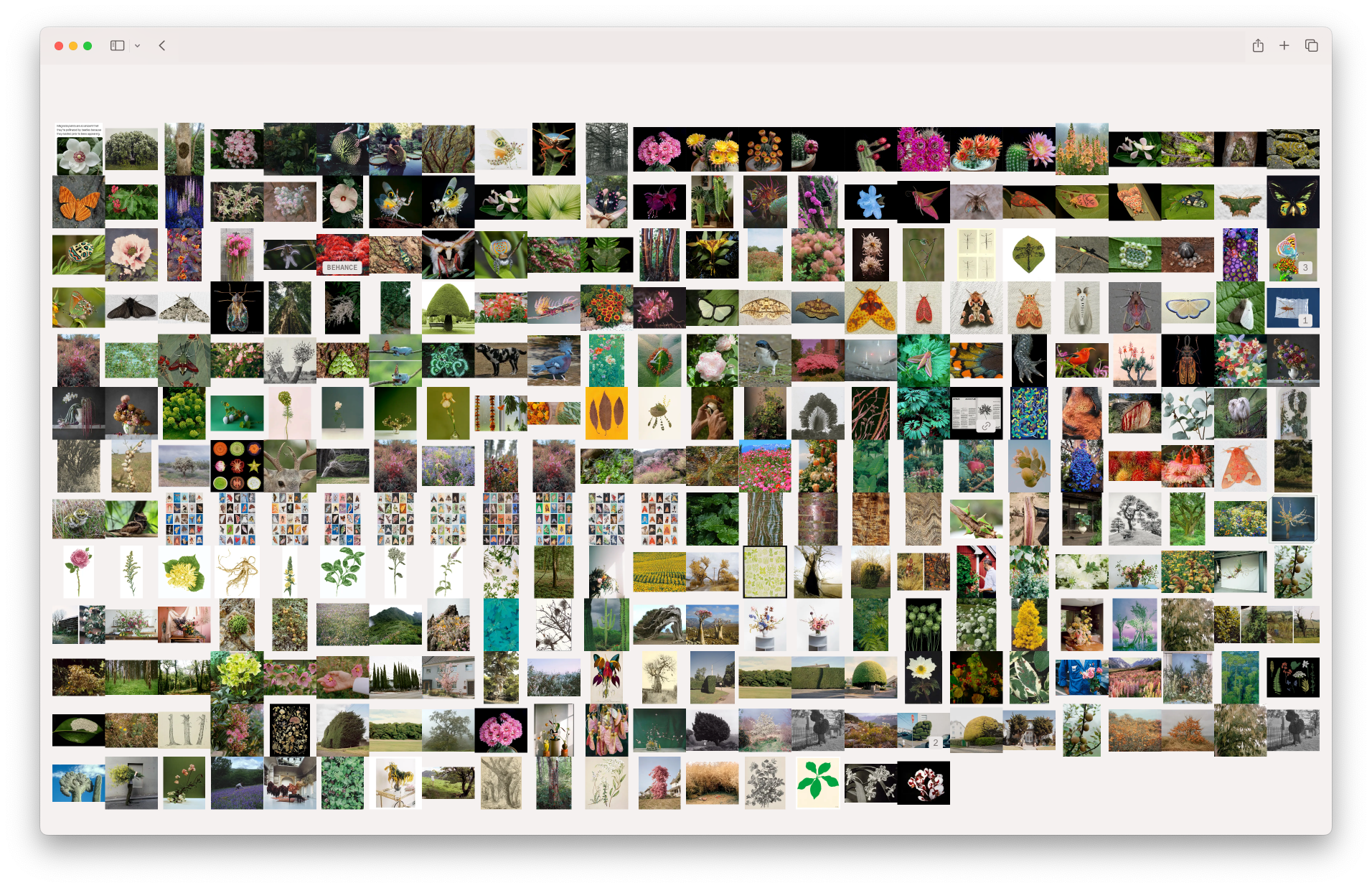
To test the clustering, I began with the Are.na channel Plants and Insects. It serves as a solid benchmark for evaluating the quality of the results because it already contains a well-curated selection of images, leaving little room for interpretation by the algorithm.
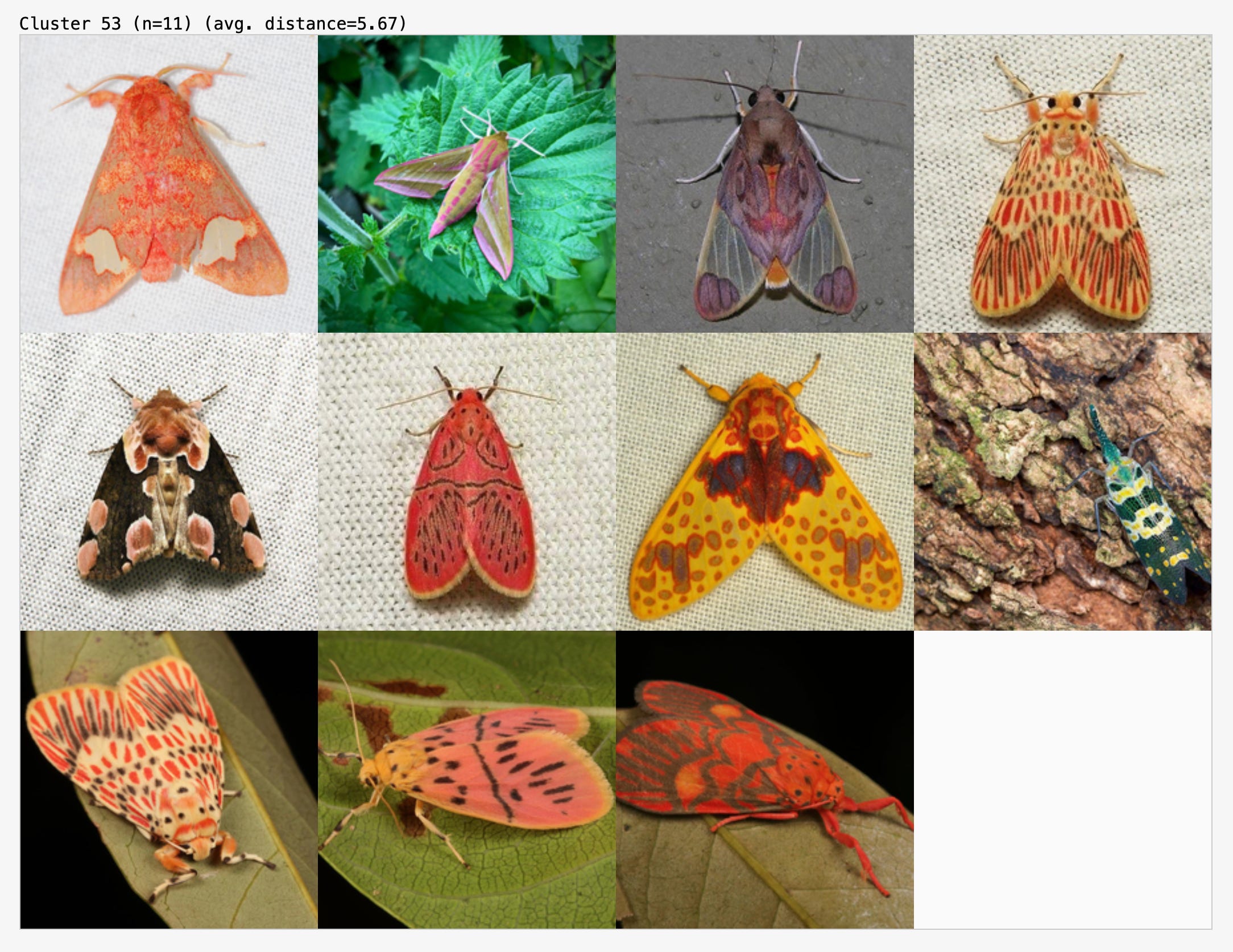
In this cluster, it correctly grouped images of orange and red moths:
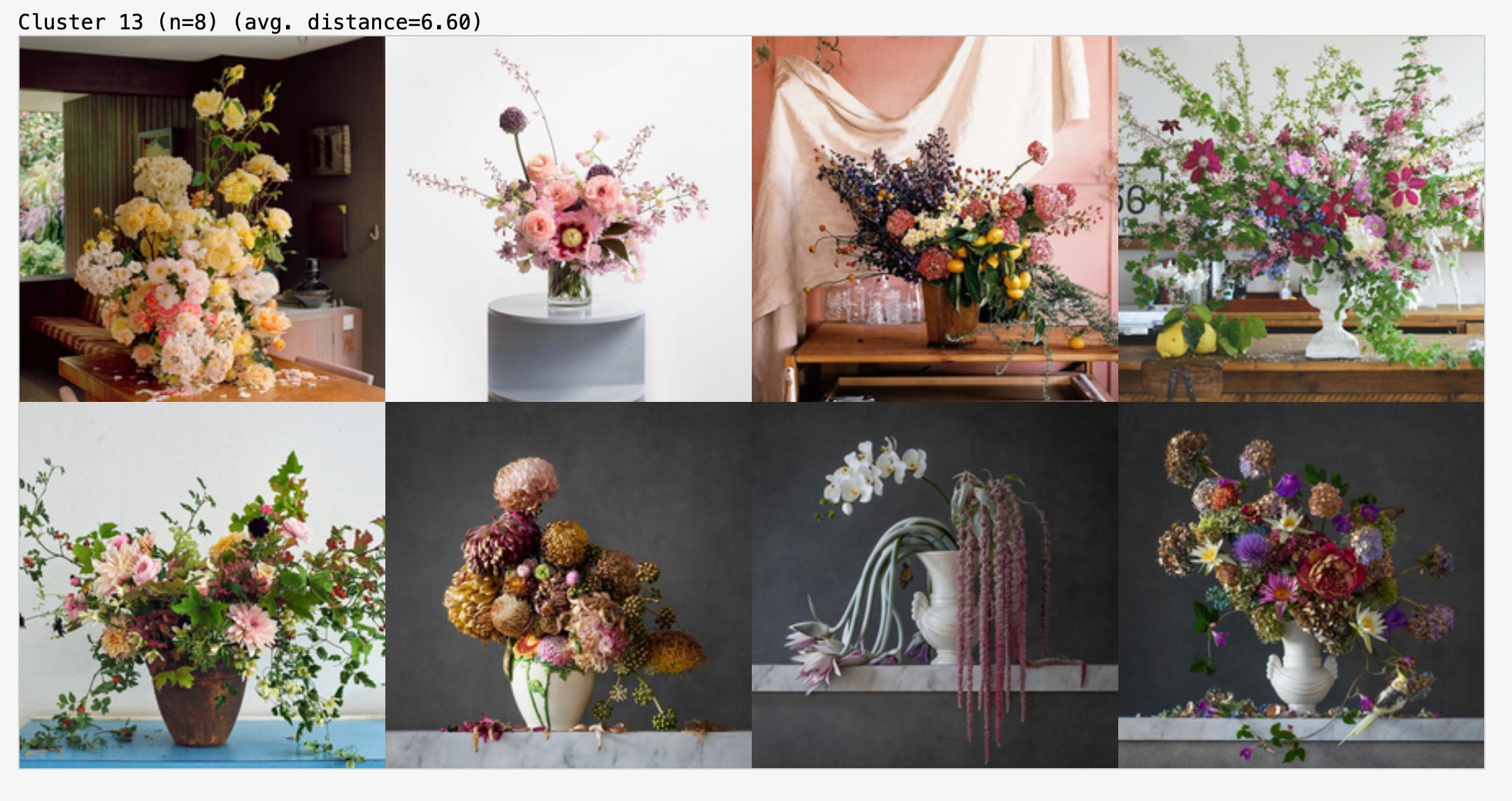
And here, images of flowers in vases photographed from the side:
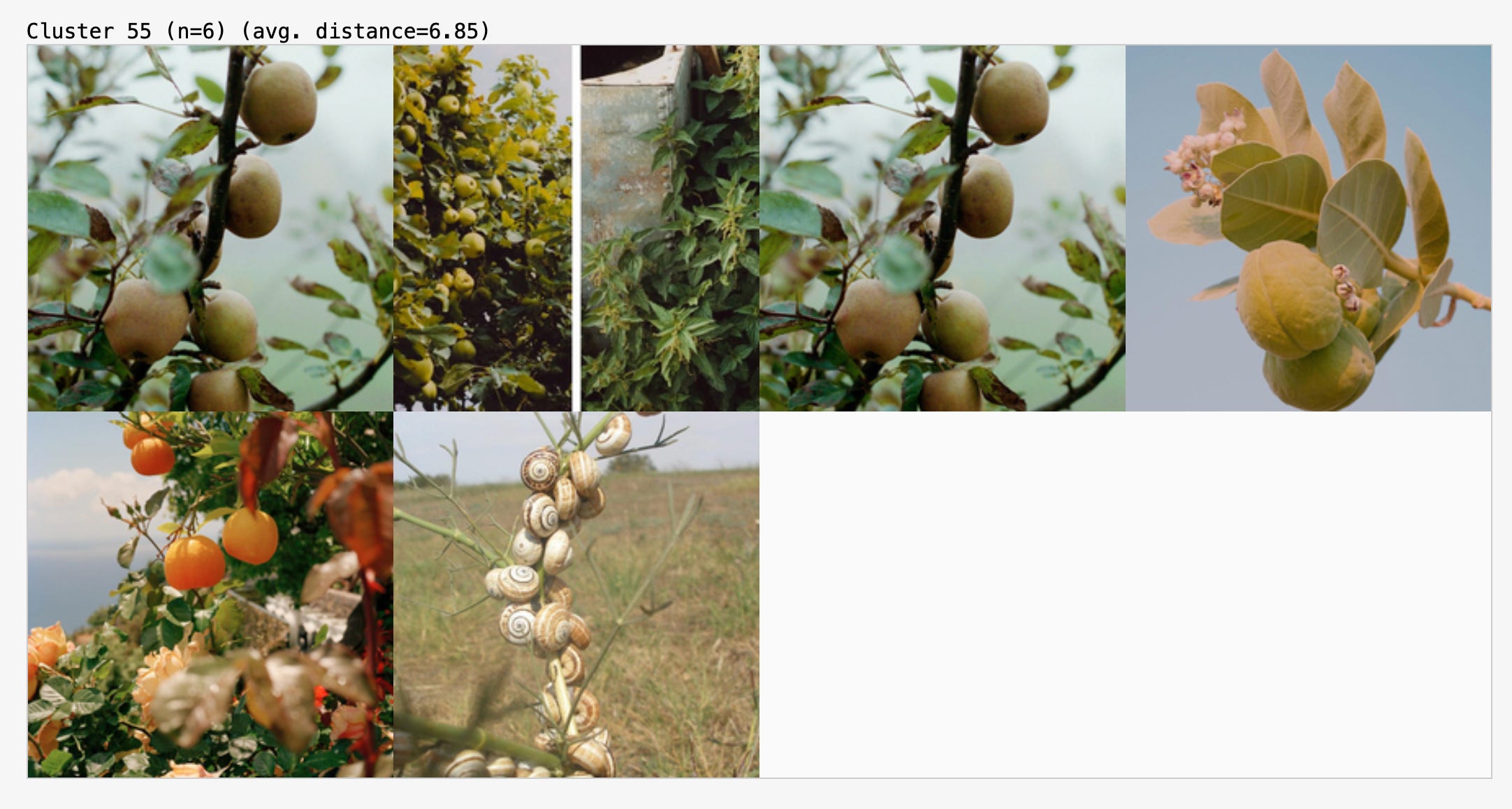
As noted above, the chosen channel leaves little room for interpretation. It’s interesting to see how visually the algorithm approaches its task here, grouping the snail shells together with the fruits on stems.
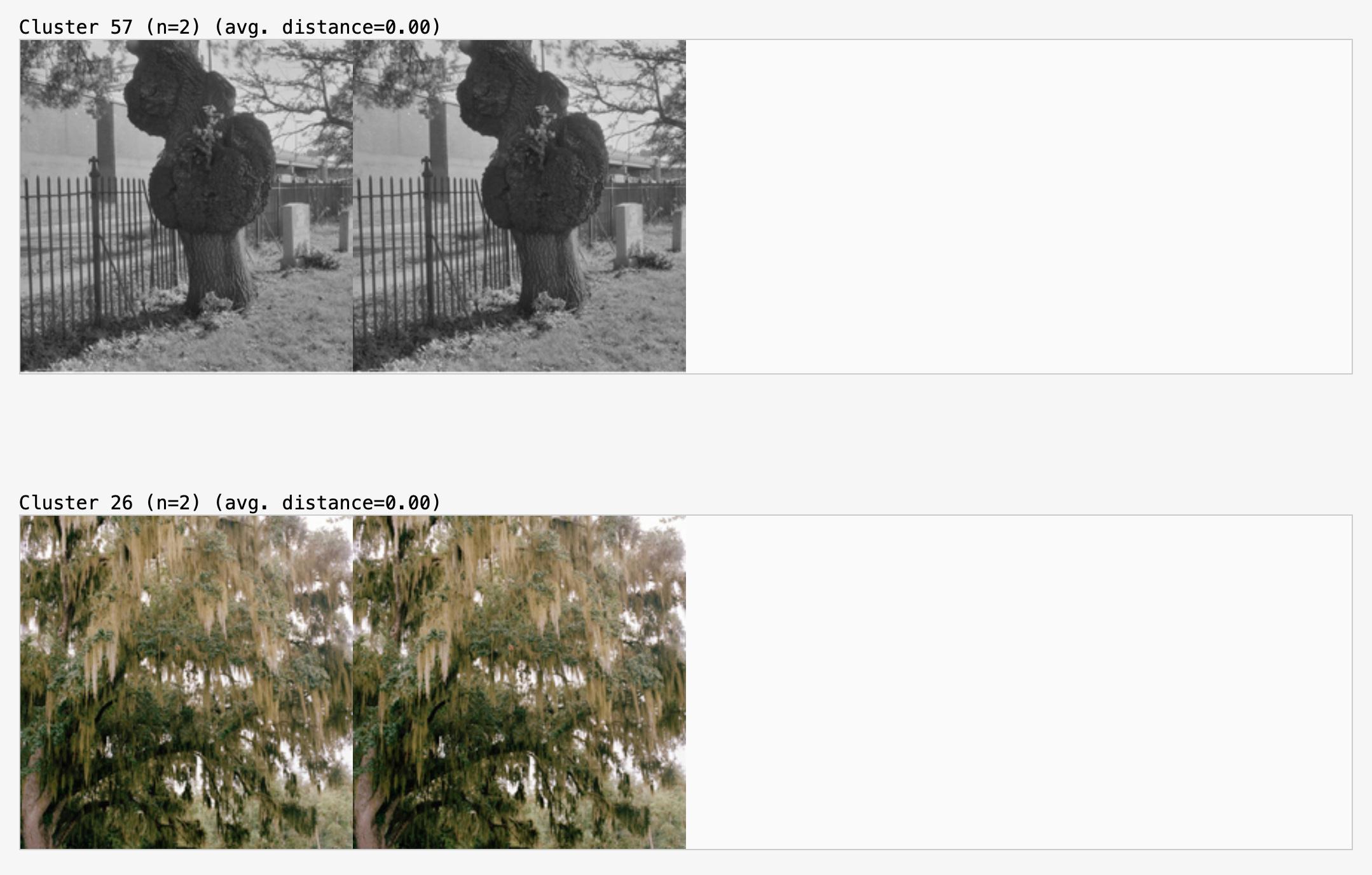
Of course, this also makes it possible to identify duplicates:
Once the algorithm’s parameters were fine-tuned enough to produce satisfactory results, I tested it on an unsorted and less curated channel.
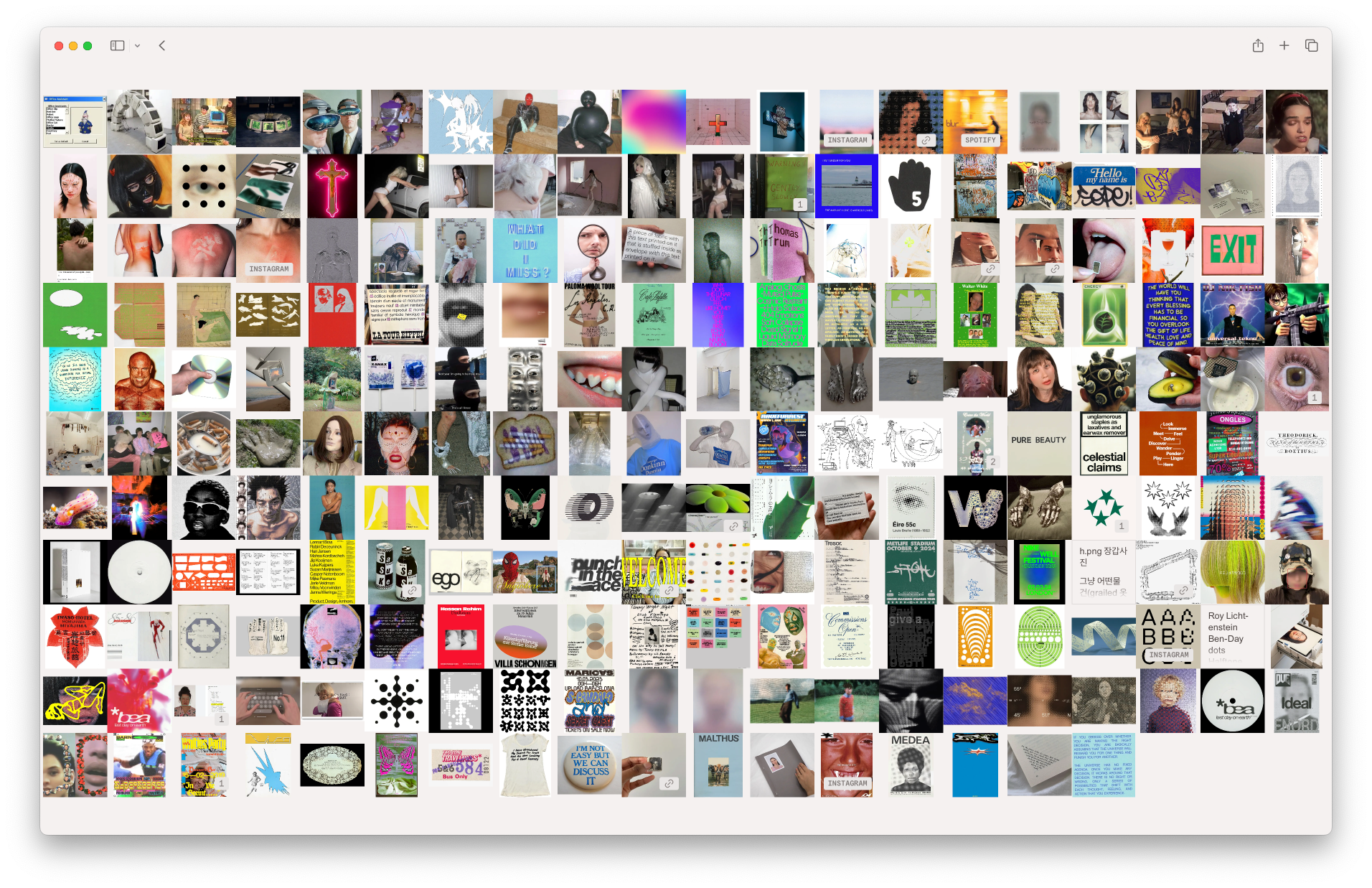
The results are a clear, visually or thematically grouped representation of the channel’s images. Beyond confirming that the algorithm works, it could also serve as a moodboard or research tool.


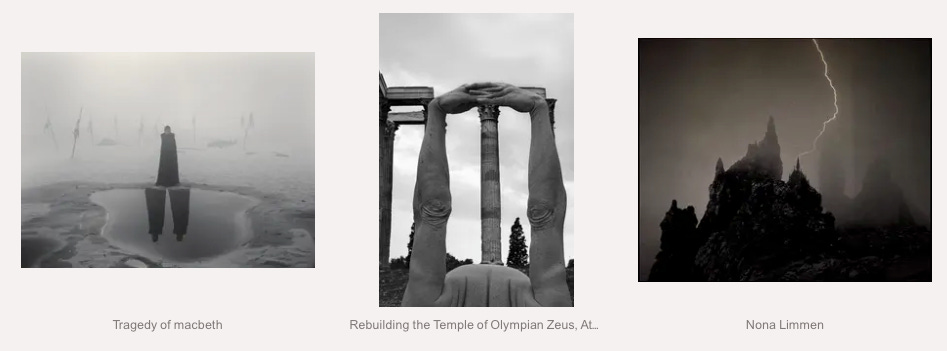
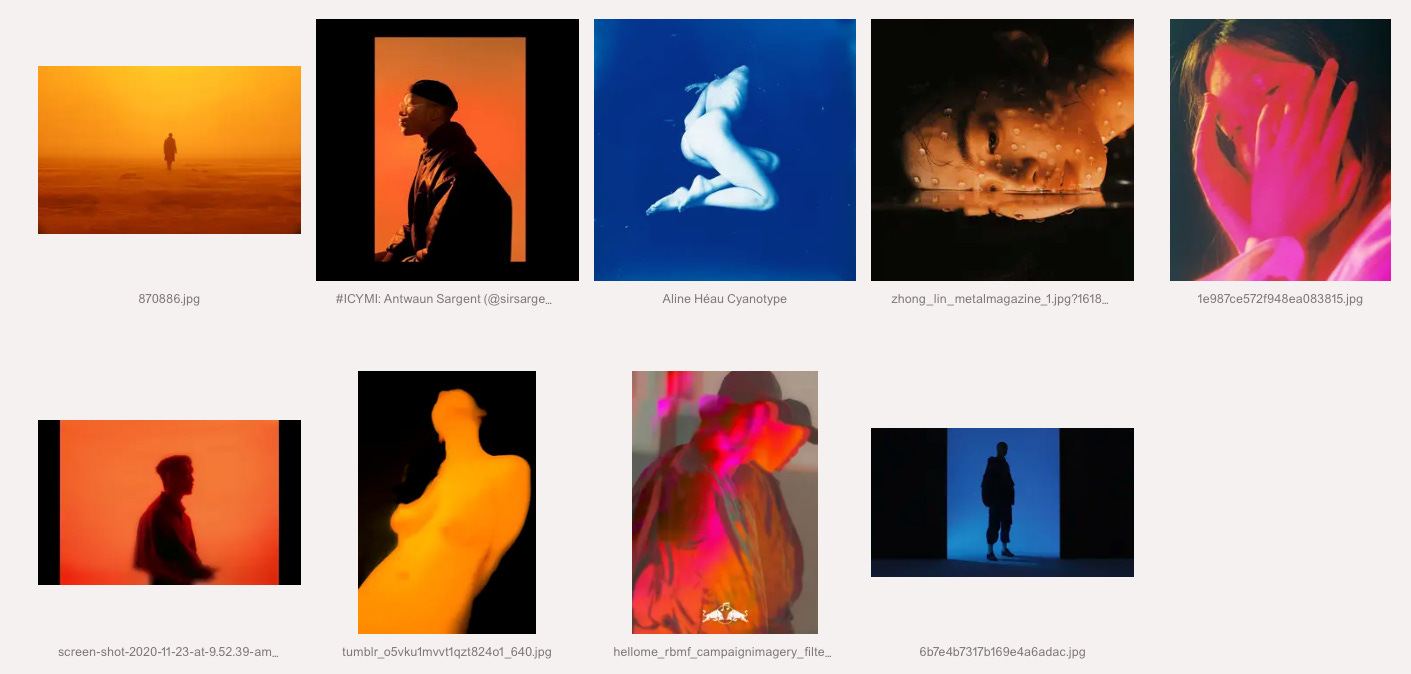
Returning to the origin of this journey. The algorithm’s primary task is not to cluster images from a single Are.na channel, but to organize a selected group of 200 images taken from various relevant channels. The resulting image pool is therefore inherently less cohesive than in the previous experiments.
Publication #1
Publication #2
Publication #3
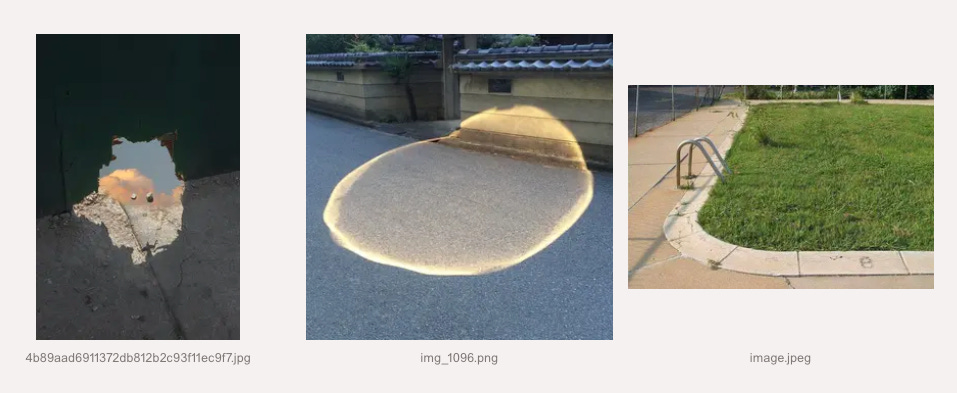
In my view, the clustering enhances the quality of the individual publications that Internetexplorer produces. The images are sometimes very similar, sometimes less so, yet there almost always appears to be a common thread. When that thread isn’t immediately obvious, one might pause to look for it, after all, a computer apparently thinks there is one.
Sharing the Tool
I made the test environment public: https://ie.v1b.es/cluster. On the website, you can enter any Are.na channel URL to cluster its images. While analyzing, the website will display the calculated vectors for each image.
Once analyzed, the results are stored in the URL. Since the analysis can take time depending on the device, it’s practical to save or share the result instead of repeating the process each time. To save a result, simply copy the URL, it contains everything needed to recreate the result screen. This approach ensures that no data is stored on a server and keeps you fully in control of the generated results.
Next Steps
After deploying the changes, I noticed that the project’s focus had shifted. Originally, the goal was to build a tool that helps me find aesthetically fitting images. Now, however, the engine mainly publishes images that are most similar to each other.
It’s clear that I prefer a curated selection of images over a collection sorted purely by aesthetic preference. This is likely because I know there’s a system behind the selection. In many cases, the similarity is obvious, yet the exceptions are particularly interesting because they raise questions: Did I miss something? What made the algorithm think this image belongs here? Was it misinterpreted?
In this project, the process itself is the goal. I have no intention of creating a social media bot optimized for impressions or engagement. There are enough of those out there anyway.
My next step is to explore whether Internetexplorer should be understood as a curator or as a research tool, or perhaps as something in between, a system that not only observes but also reflects on how visual information is organized and interpreted.
P.S. More Test Results


excited to read in full & savor, though this does on the surface remind me of SOOT (https://spiral.soot.com/)